Build the
easy-to-use.

Build AI agents intuitively, automate every Salesforce task and reclaim time for outcomes that matter.

What is Igness BRAIN?
Take Salesforce
evenfurther.

Salesforce isn't just data entry anymore. With Igness BRAIN you can build AI agents through surprisingly simple interactions. The AI creates records, searches the web, generates documents and more — turning your CRM into an AI workstation.

Igness BRAIN overview
Pillar 1
Build
AI agents

Reach for the right tool at the right time
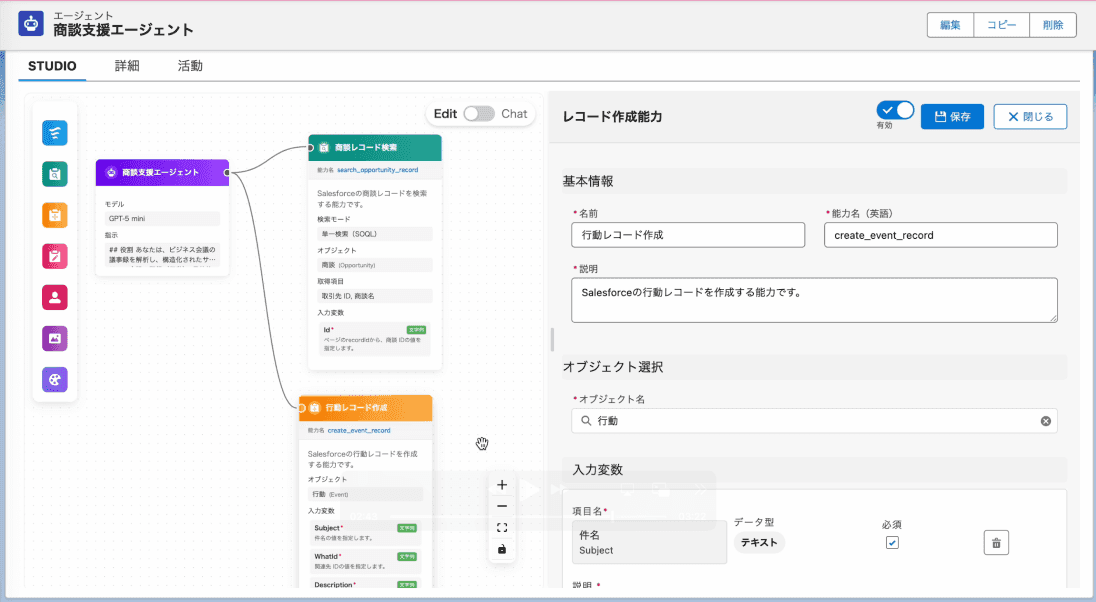
Give your agent capabilities

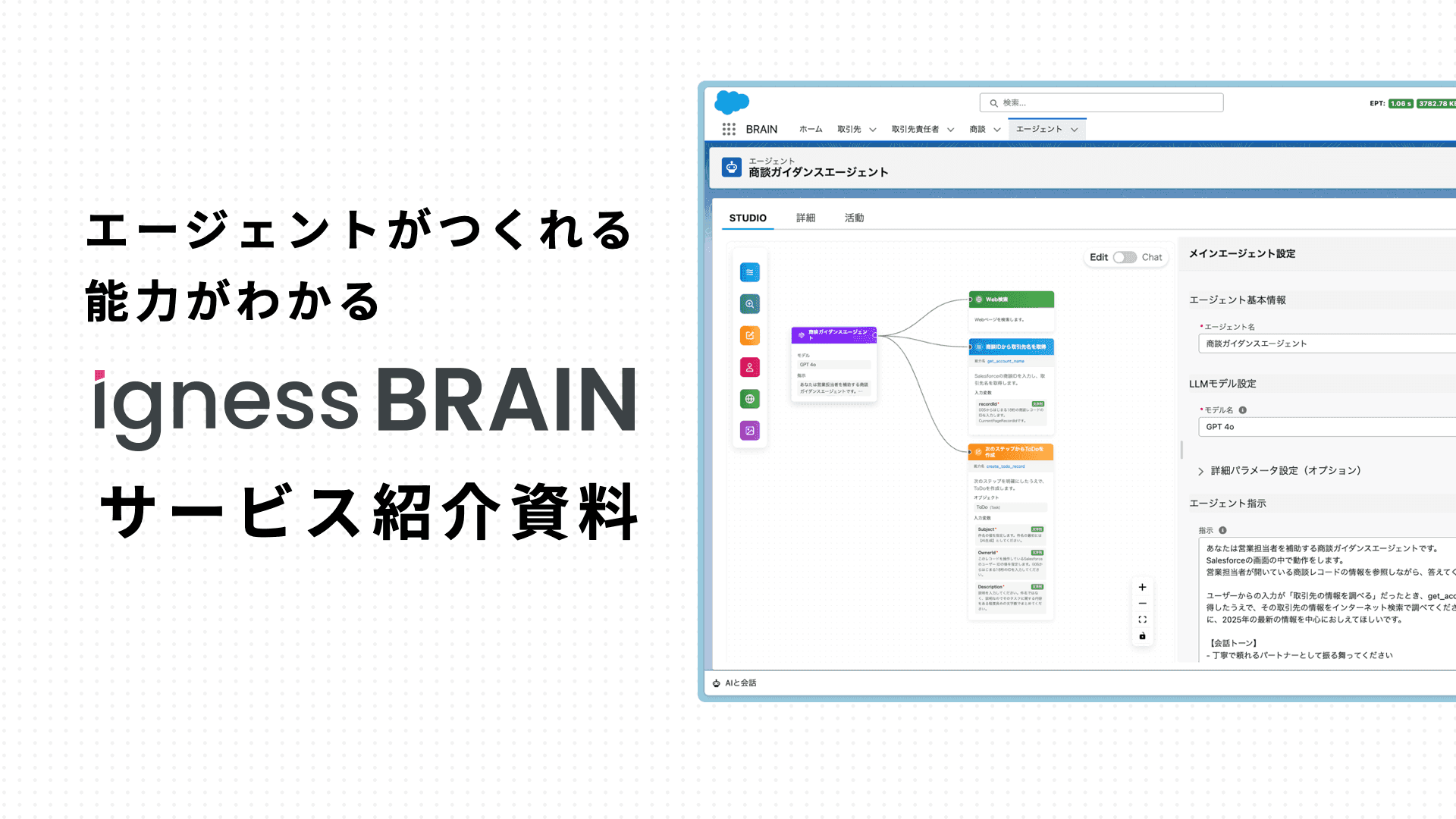
Combine the eight built-in capabilities into a single prompt and your own agent is ready to go.

Build it and
see it in action.

Watch how the agent responds in real time as you build.

Discover anytime
Agent Gallery

Pick from over ten ready-made agent templates.

ABILITIES
Capabilities you can give
your agent
Create records

Create records

Create Salesforce records.

Update records

Update records

Update Salesforce records by ID.

Search records

Search records

Search Salesforce records by full text or filtered queries.

Invoke flows

Invoke flows

Call autolaunched flows — and integrate with other systems via APIs.

Generate documents

Generate documents

Export Word, Excel, PowerPoint, and PDF documents.

Generate canvases

Generate canvases

Output HTML and SVG visuals.

Generate images

Generate images

Image generation powered by GPT Image 1.

Call other agents

Call other agents

Invoke other BRAIN agents you've built.

Pillar 2
Use
AI agents

Embed it anywhere
Conversational components for your AI agents

Embed the chat component in record pages, the utility bar, community sites — anywhere in Salesforce.

Create slides and diagrams
with the canvas

The canvas can produce documents and diagrams, not just text. Share what you've created with one click.

Auto-trigger from flows
and let AI work in the background

Trigger agents from flows so that record creates and updates kick off background AI work.
AGENTS
AI agents you can build
with Igness BRAIN

For customer support

Support Agent

BRAIN

LINE

Store Reservation Agent

Store Reservation Agent
LINE

LINE

FAQ Agent

FAQ Agent
LINE

For inside sales

Account Research Agent

BRAIN

For sales

Deal Assist Agent

BRAIN

For development

Agent Builder Agent

BRAIN

For customer support

Support Agent

BRAIN

LINE

Store Reservation Agent

Store Reservation Agent
LINE

LINE

FAQ Agent

FAQ Agent
LINE

For inside sales

Account Research Agent

BRAIN

For sales

Deal Assist Agent

BRAIN

For development

Agent Builder Agent

BRAIN
FEATURE
Feature
highlights
Agent Studio

Agent Studio

Build agents through a surprisingly intuitive drag-and-drop experience.

Library

Library

Share and version-control agents across your organization.
Agent Gallery

Agent Gallery

Ready-to-use agent templates available immediately after you sign up.

Versioning

Versioning

Save and roll back agent versions any time.

History & usage reports

History & usage reports

Share agent usage across the org.

Workflow automation

Workflow automation

Trigger agents from flows to run AI work without users noticing.

Chat surface

Chat surface

Drop the Lightning component into any screen.
Canvas sharing

Canvas sharing

Build HTML or SVG outputs and share them outside the org with a password.

About Igness BRAIN
Learn more

See Igness BRAIN in action. Reach out any time for a guided walkthrough.
Frequently Asked Questions

We listen to your goals and challenges and run a live demo. Even early-stage exploration is welcome.

Data sent to AI agents is never used for model training. Conversation data is stored on our servers in Japan.

Yes — Salesforce reports and dashboards let you track who used the agent and when.

We recommend a roughly two-month agent-building program after launch. Beyond that you'll have help docs, email support, and optional ongoing maintenance contracts.

About Igness BRAIN
Learn more

See Igness BRAIN in action. Reach out any time for a guided walkthrough.

The Igness BRAIN product brochure

Igness BRAIN materials

Covers Agent Studio, capability design, embedding patterns, and real-world usage. Start here and we'll dive into the details in a demo.


Brochure request form